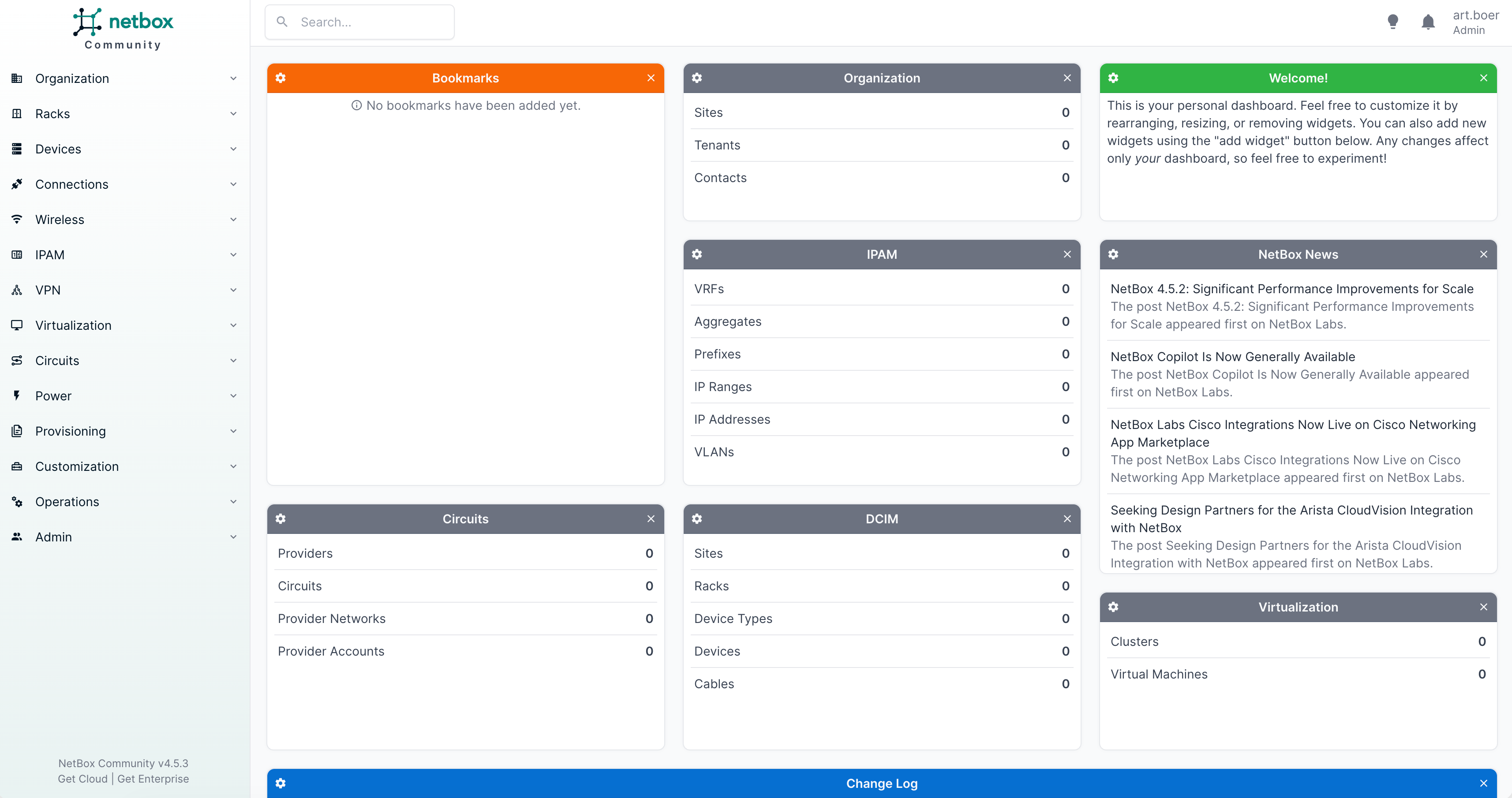

Netbox
What is Netbox?
NetBox is an open-source infrastructure resource modeling (IRM) and IP address management (IPAM) platform designed to help you document, organize, and manage your network infrastructure. It provides a centralized system to track IP addresses, subnets, VLANs, devices, racks, and network connections. NetBox helps teams maintain accurate network documentation, improve visibility, and automate infrastructure management by serving as a reliable source of truth for network and datacenter environments.
(Recommended) Server Requirements
| Type | CPU | Memory | Disk space | Recommended Linux Distro |
|---|---|---|---|---|
| Production | 4-8 | 24 GB | 100 GB | Ubuntu |
| Development & testing | 4 | 16 GB | 50 GB | Ubuntu |
Install dependencies
sudo apt update
sudo apt install -y python3 python3-pip python3-venv python3-dev \
build-essential libxml2-dev libxslt1-dev libffi-dev libpq-dev \
libssl-dev zlib1g-dev postgresql redis-server
Database setup
We start by setting up the PostgreSQL database that will be used by Netbox to store its data, to create the initial database and user we cant enter the following command to open the PostgreSQL shell:
sudo -u postgres psql
Within the shell, you want to enter the following commands to create the database and user, make sure to substitute the password ENTER_YOUR_PASSWORD_HERE.
CREATE DATABASE netbox;
CREATE USER netbox WITH PASSWORD 'ENTER_YOUR_PASSWORD_HERE';
ALTER DATABASE netbox OWNER TO netbox;
Connect with the netbox database and give the netbox user permission to create objects within the database.
\connect netbox;
GRANT CREATE ON SCHEMA public TO netbox;
Netbox installation
Netbox recommends that you install by downloading from a release archive for the latest release versions you can check the Netbox Github Page. Make sure to substitute the version numbers below:
sudo wget https://github.com/netbox-community/netbox/archive/refs/tags/v4.5.3.tar.gz
sudo tar -xzf v4.5.3.tar.gz -C /opt
sudo ln -s /opt/netbox-4.5.3/ /opt/netbox
Next up we create the Netbox Linux user so you are able to save uploaded files.
sudo adduser --system --group netbox
sudo chown --recursive netbox /opt/netbox/netbox/media/
sudo chown --recursive netbox /opt/netbox/netbox/reports/
sudo chown --recursive netbox /opt/netbox/netbox/scripts/
Configuring and running Netbox
Your server is now setup with all the required packages and tools, you can now start to configure and run Netbox. Please carefully read and follow Netbox Configuration guide in order to configure and run Netbox.
Checking the Firewall
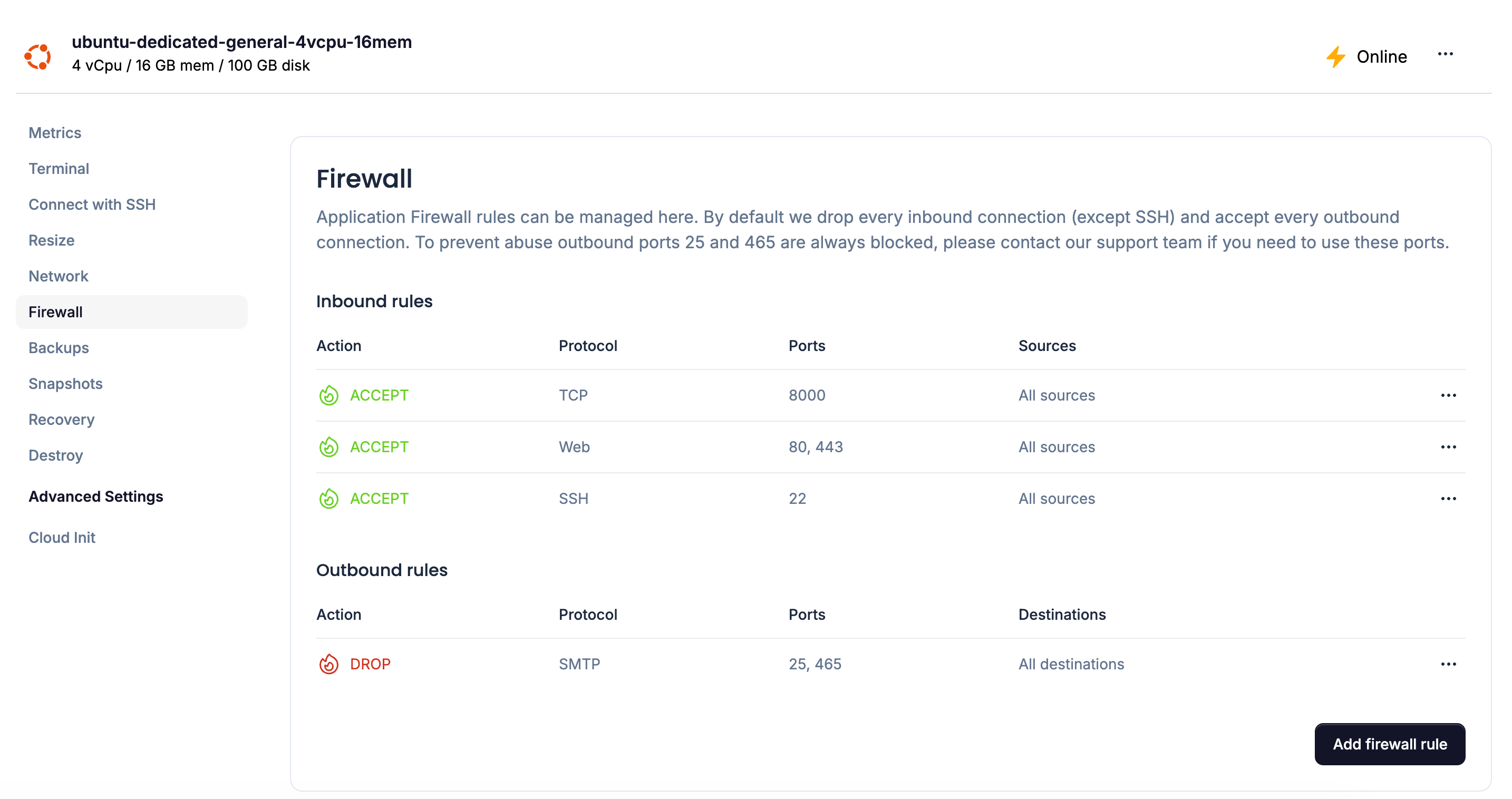
Make sure to allow Web (HTTP & HTTPS) access in the Simplestack Cloud Firewall otherwise you won't be able to visit the Netbox interface. If you want to run the development mode of Netbox you have to give access to port 8000.
Access Netbox
If all the steps were successful you can now access the Netbox interface by navigating to your IP address.