OpenClaw
What is OpenClaw?
OpenClaw is a self-hosted gateway that connects your everyday chat apps, such as WhatsApp, Telegram, Discord, and iMessage, to AI coding agents like Pi, turning them into a personal AI assistant you can message from anywhere. It runs as a single gateway process on your own computer or server and acts as a bridge between your messaging platforms and an always-available AI agent that can help with coding and other tasks. OpenClaw is designed for developers and power users who want full control, privacy, and flexibility, allowing them to use powerful AI assistants without relying on third-party hosted services or giving up ownership of their data.
(Recommended) Server Requirements
| Type | CPU | Memory | Disk space | Recommended Linux Distro |
|---|---|---|---|---|
| Start with the smallest server | 1 | 2 GB | 25 GB | Ubuntu |
Install OpenClaw
Simply run the following command and follow the instructions:
curl -fsSL https://openclaw.ai/install.sh | bash
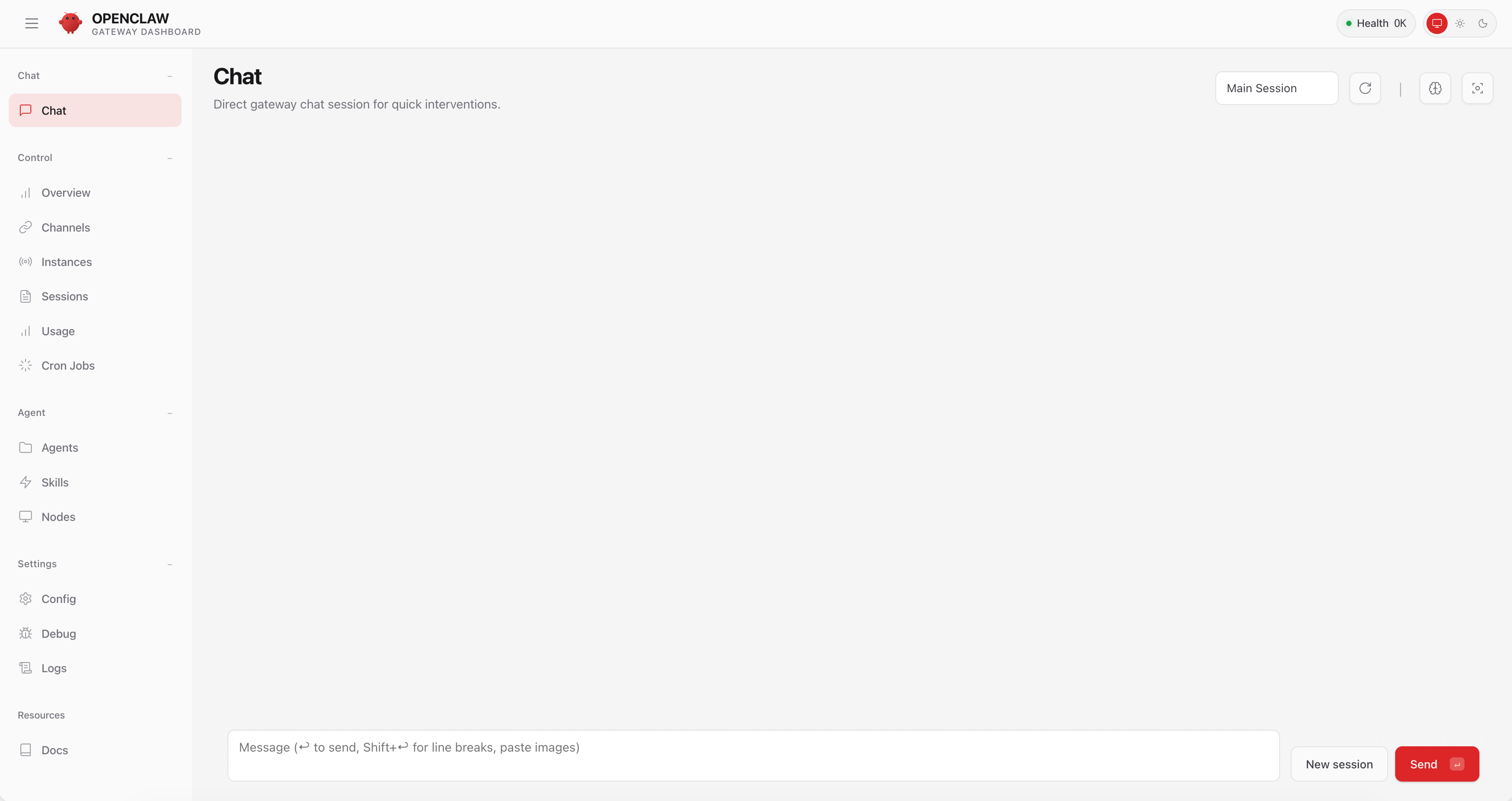
Accessing OpenClaw Dashboard
Make sure to open an SSH tunnel between your computer and the OpenClaw gateway, make sure to replace the user ubuntu with the correct server user.
ssh -N -L 18789:127.0.0.1:18789 ubuntu@YOUR_IP_HERE
Now you can visit your gateway dashboard http://127.0.0.1:18789